Focus & Digital Wellbeing
Use your phone with intention, not habit.
Intened blocks distracting apps until you set a clear purpose and time limit. A mindful pause between impulse and action.
Intened blocks distracting apps until you set a clear purpose and time limit. A mindful pause between impulse and action.
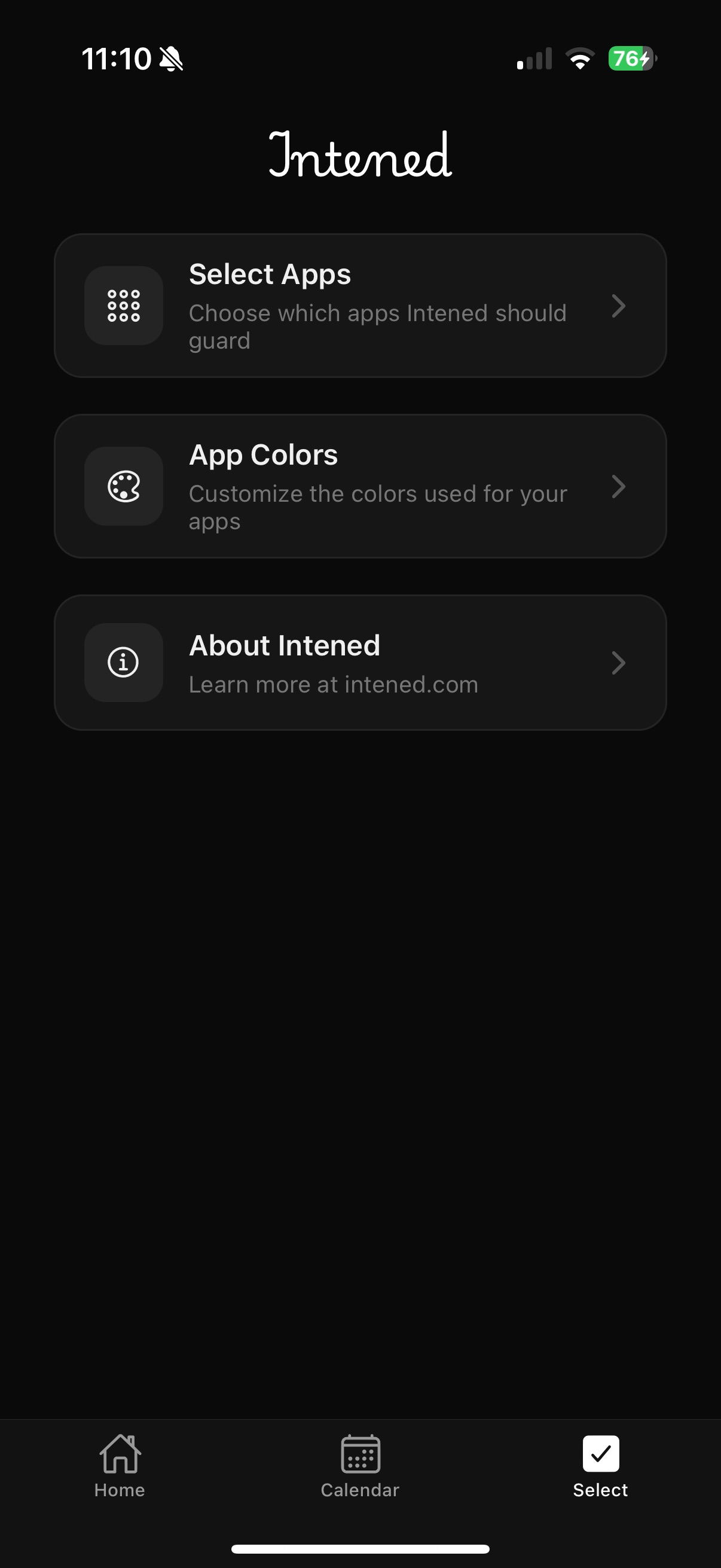
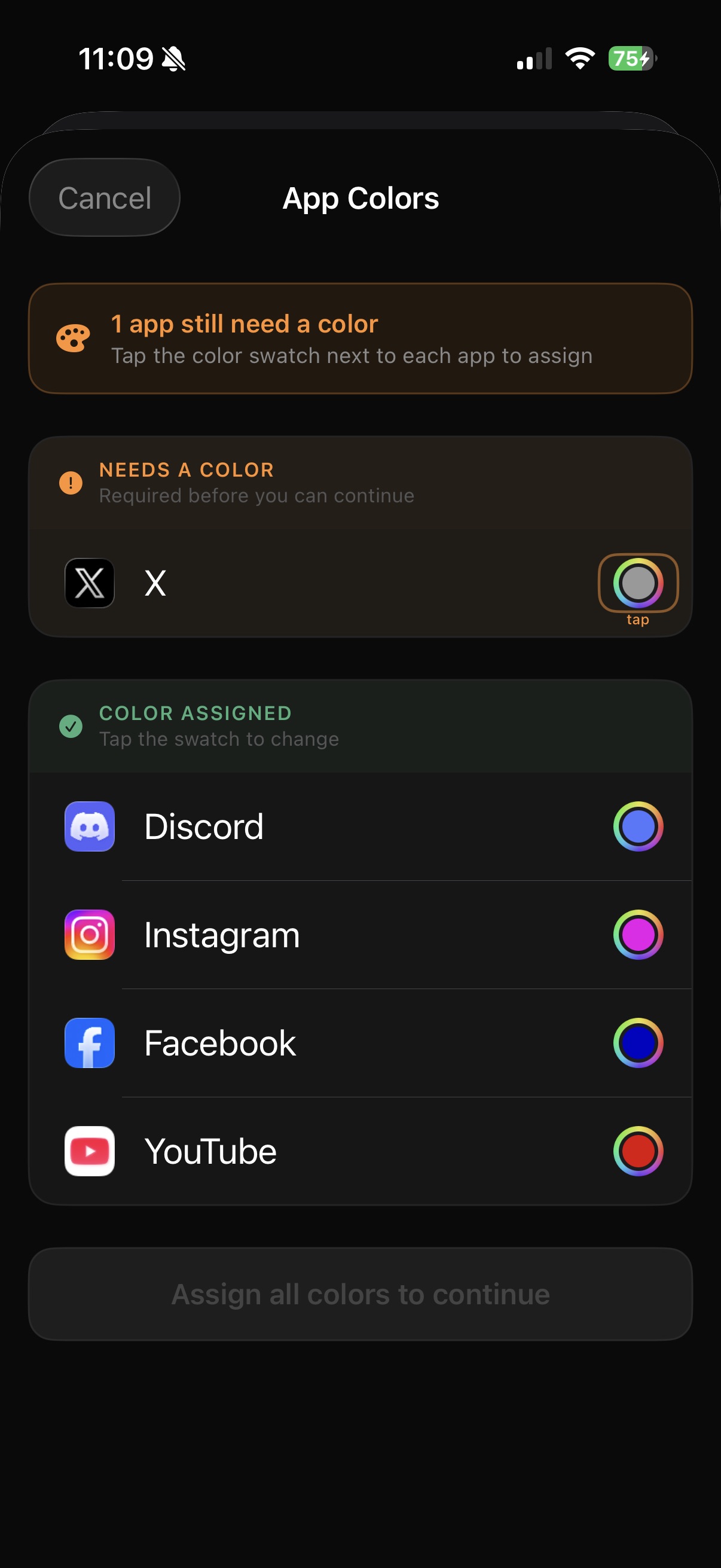
Select the apps you want to bring more mindfulness to — social media, video platforms, games. Intened will quietly guard them in the background.
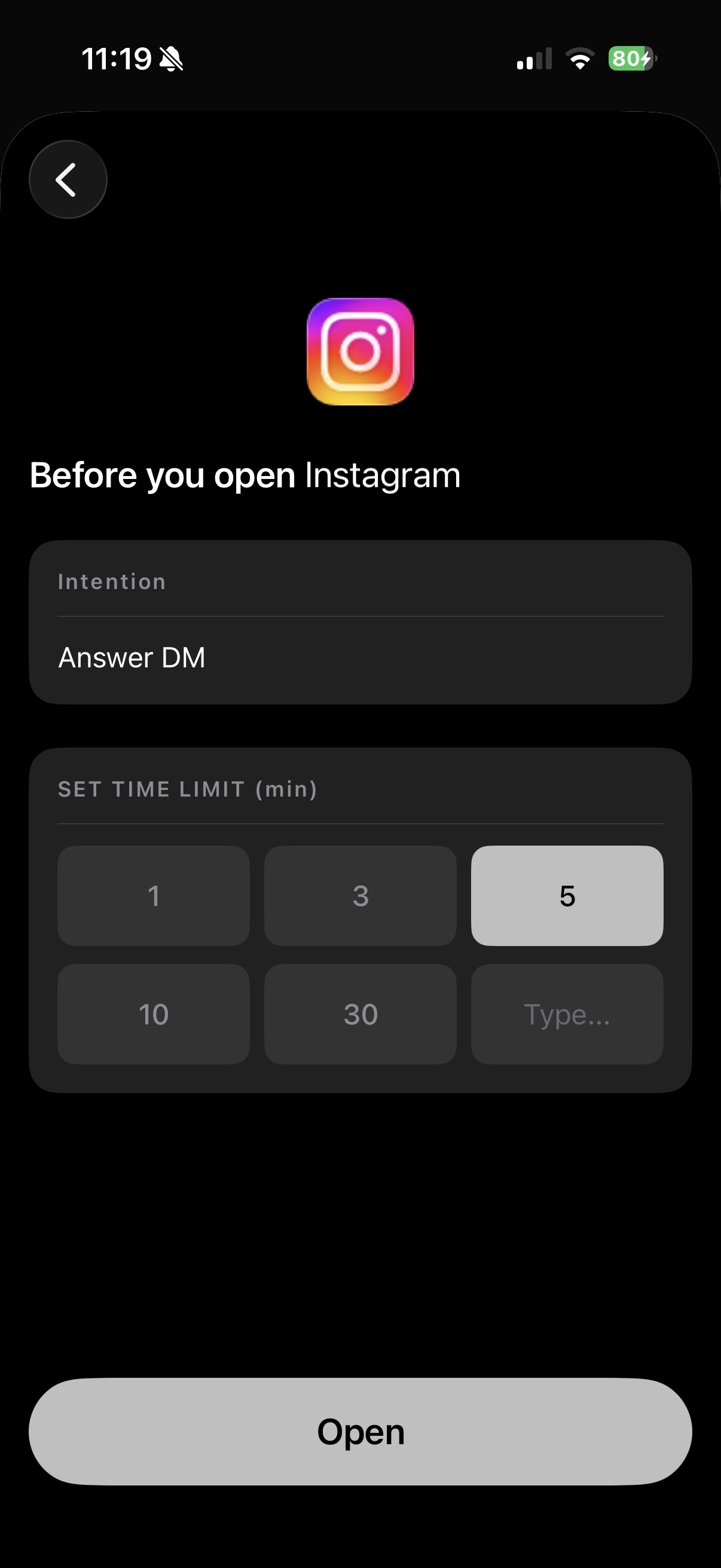
When you try to open a guarded app, Intened pauses you for a moment. Write why you're opening it and how long you actually need. A small act with big impact.
The app opens for exactly the time you requested. When your time is up, Intened gently closes access — no willpower required. Your phone, working for you.
On iOS, we use Apple's Screen Time API — the same technology used by parental controls. Blocking is enforced at the operating system level, not by a fragile overlay.
We're not trying to stop you from using apps. We're adding a moment of deliberate choice. You can always proceed — we just ask that you're honest with yourself first.
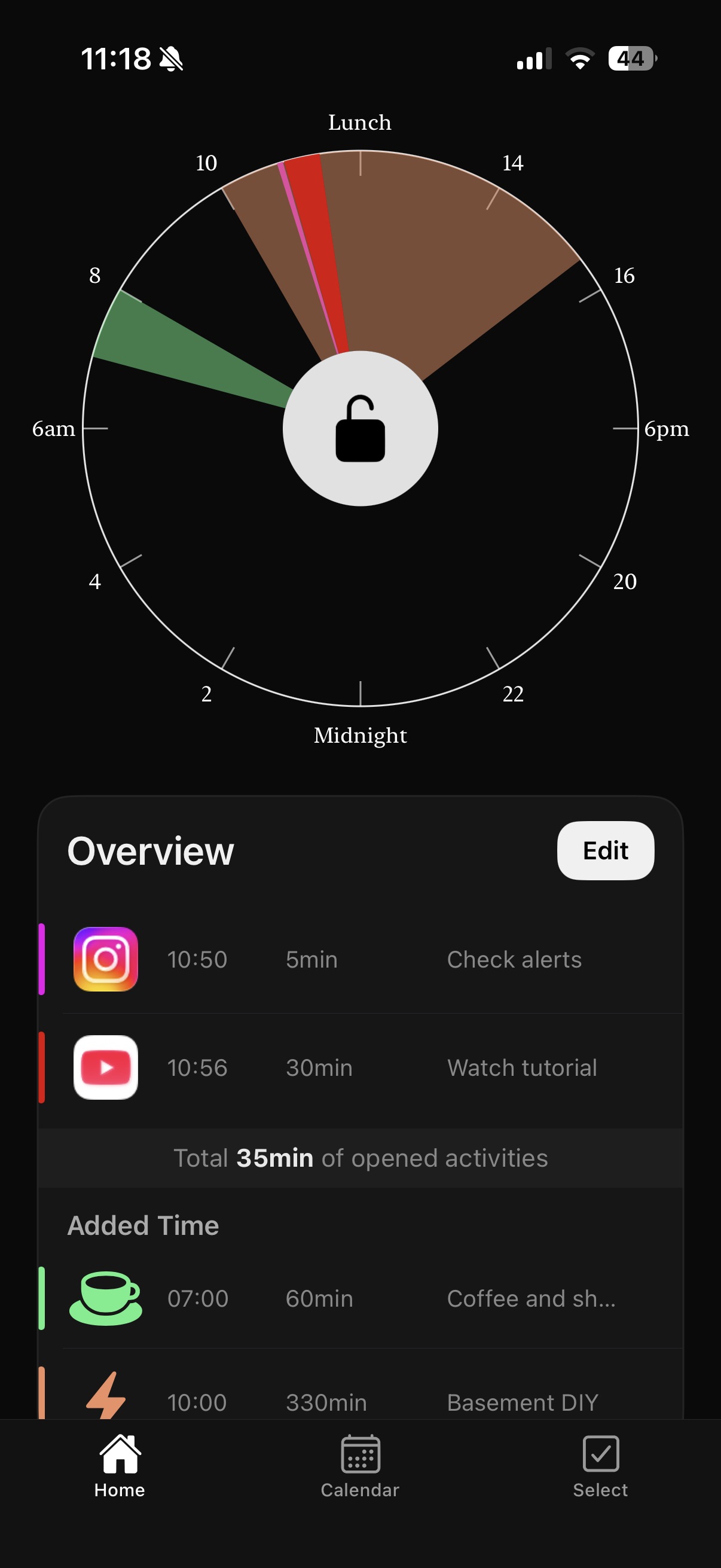
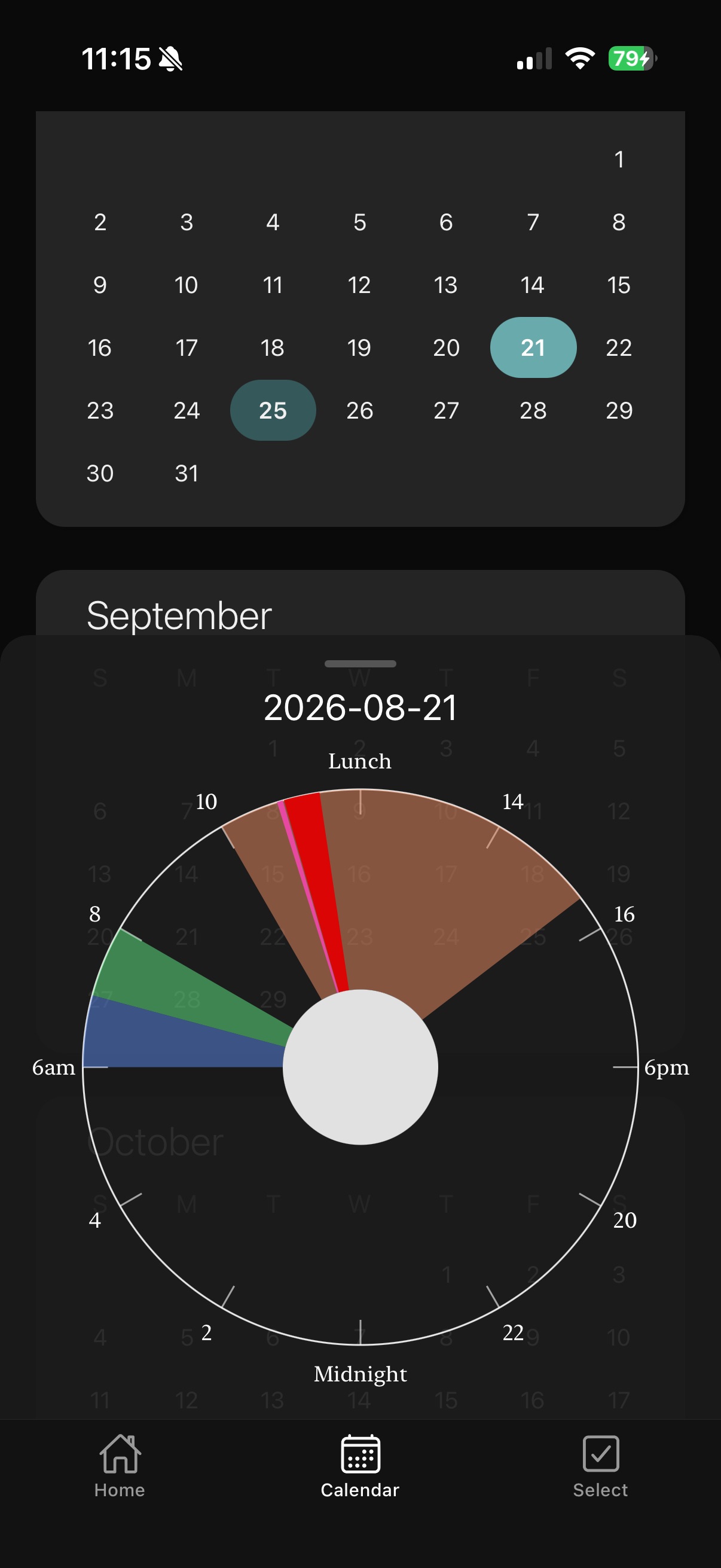
Every intention you set is logged privately on your device. Over time, you'll see patterns in your habits — and in your growth.
Native blocking on both platforms — Screen Time API on iOS, Usage Stats and overlay protection on Android.
Questions, feedback, or partnership enquiries — we read every message.